


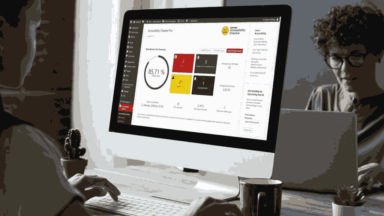
Accessible content with Accessibility Checker by Equalize Digital
Accessibility Checker for WordPress identifies and advises on how to solve web accessibility issues according to the WCAG success criteria.
Include everyone. Respect the law on Web Accessibility. Be careful with content and structure. Regularly perform WCAG tests.
Accessibility Checker for WordPress identifies and advises on how to solve web accessibility issues according to the WCAG success criteria.

That "the website is usable for users who use a keyboard and not a mouse" is the second requirement on Digitaliseringsstyrelsens list on web accessibility.

Web accessibility is not only inclusive, a human right and a legal requirement, but also good for SEO and general user experience
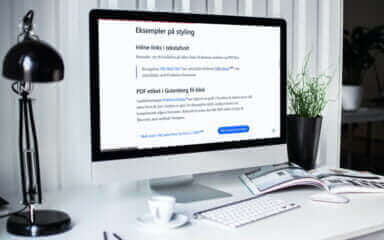
It's a boost to the usability of your website when you clearly indicate that a link leads out of the site or to a PDF file.

How to only show the options and blocks you need in the Gutenberg block editor, making it simpler and cleaner for editors, authors, and you.

A handcrafted color system ensures consistent, accessible color combinations across all website content, including navigation and forms.